
Upgrade your FiveM server
with Brick Scripts.
Bring new gameplay to your server with resources built for performance, regular updates, and help when you need it.

- FrameworksQBCore, Qbox, ESX and standalone options.
- OptimizationDesigned with resource usage and server stability in mind.
- Discord helpAsk about products and server setup.
Premium FiveM Scripts
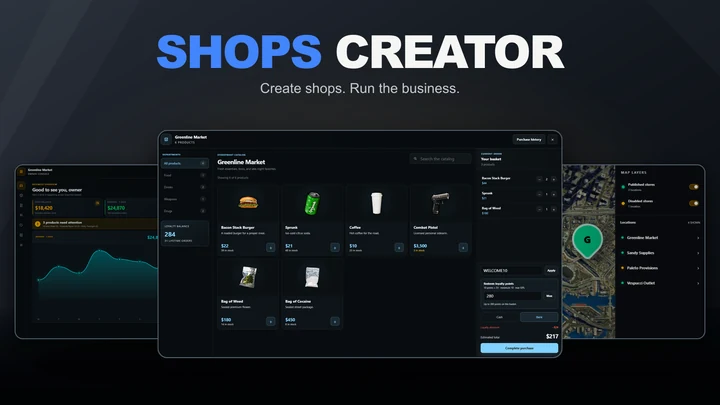
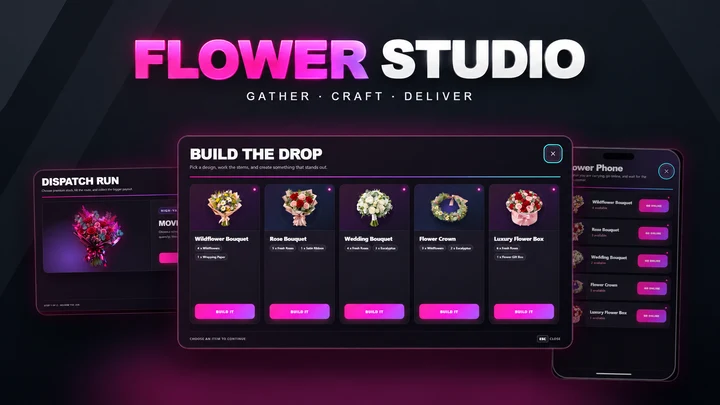
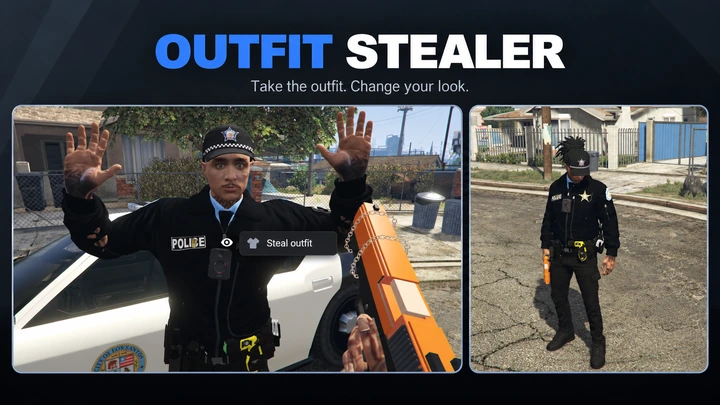
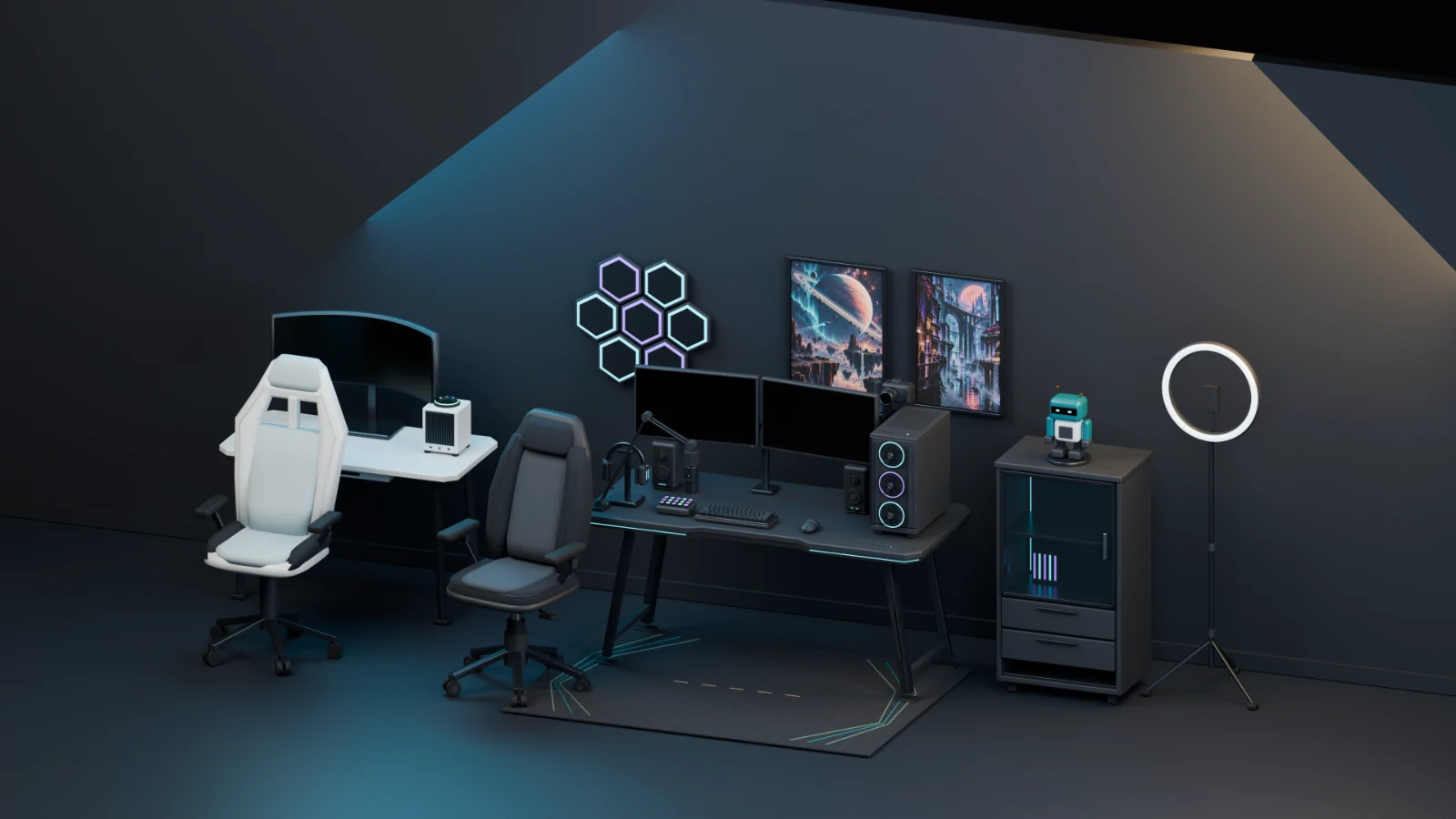
Jobs, shops and player interactions, plus standalone weapon and furniture packs.


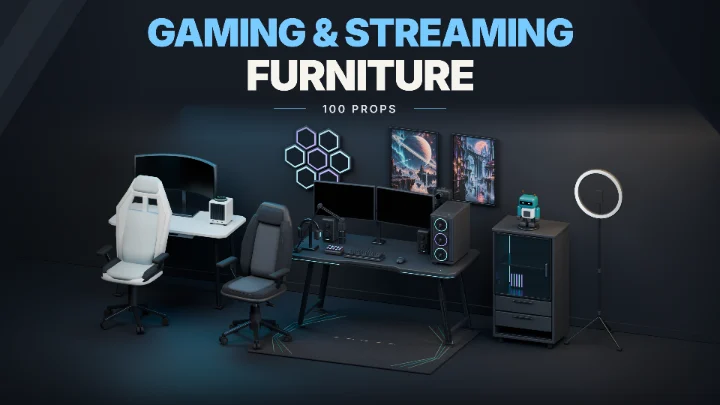
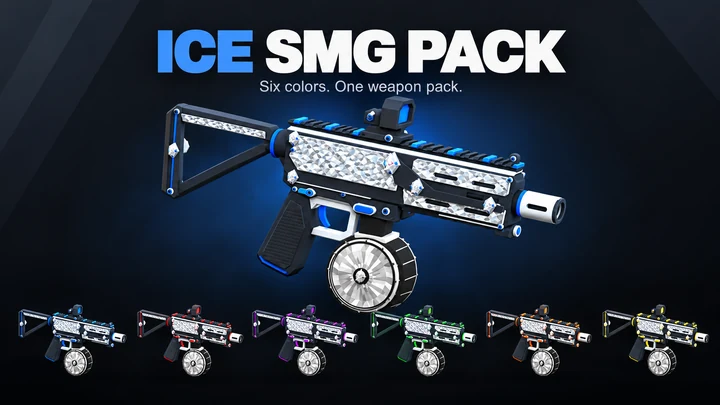
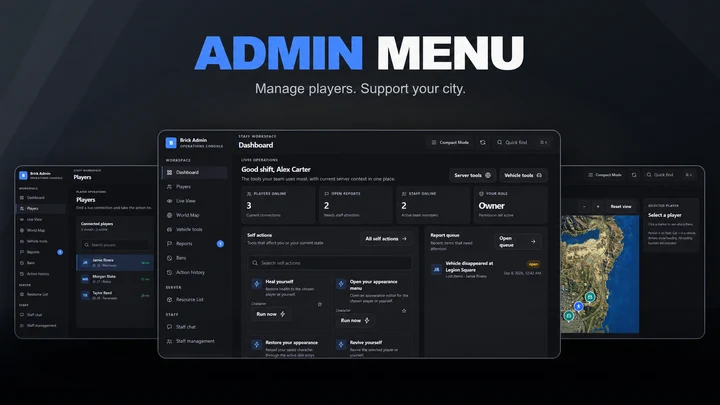
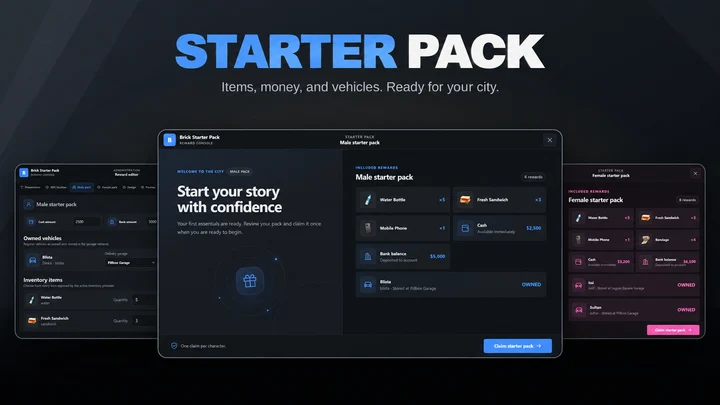
Signature Packs

Recent customers
Recent customers are loading from Tebex.
Common questions
Where can I find a script’s requirements?
Dependencies, framework support, and other requirements are listed on each product page and in its linked documentation. Review them before purchasing and installing.
Check compatibilityWhere can I find the installation guides?
Every product has documentation with its requirements, installation steps, configuration guidance, and product-specific notes. Open the relevant guide before installing and keep it available while you set up the resource.
Open the documentationWill scripts receive updates?
Yes. When I publish a new version, the updated resource becomes available automatically through Cfx.re Assets for customers with the relevant entitlement. Check the product page and documentation for what changed and any setup notes before updating.
Are refunds available?
See our Refund Policy for digital purchases, defective products, delivery problems, and duplicate charges. Tebex handles payment and refund requests. Your mandatory consumer rights always apply.
Read the Refund PolicyNeed a hand?
We're on Discord.
Ask about compatibility or open a private ticket for help with your Brick Scripts resource.
Join our DiscordRead the installation guides