The first impression
Make every arrival feel welcome
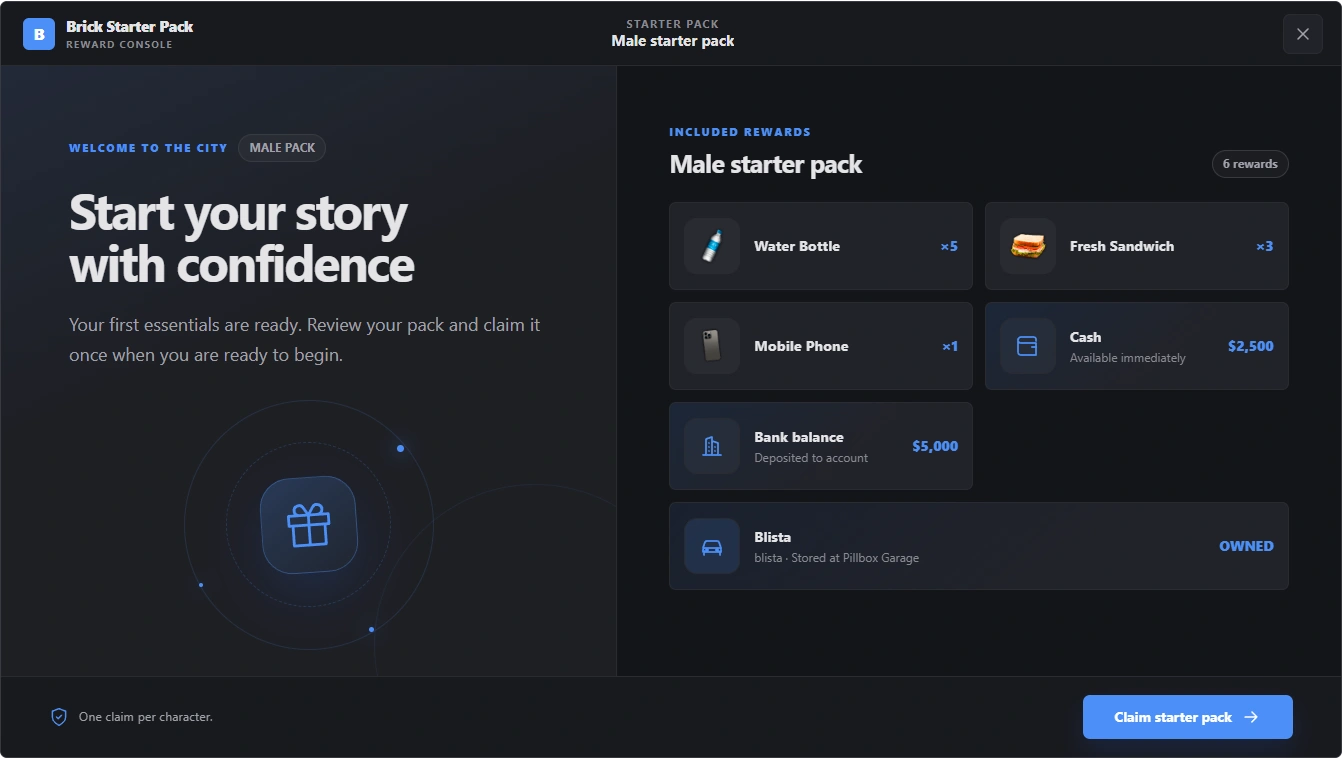
Show new players exactly what is waiting for them: useful items, starting funds, and their first vehicle, together in one clear menu.
Explore the actual Starter Pack interface, captured here with example rewards.
Show new players exactly what is waiting for them: useful items, starting funds, and their first vehicle, together in one clear menu.
Set up separate male and female rewards, welcome labels, and menu colors. The character’s configured player model determines which pack they receive.
Pick inventory items, adjust quantities, and set cash and bank rewards in the administrator editor. Preview your changes before saving.
Search the framework vehicle catalog, filter by category, and select the delivery garage for each reward. Vehicles are registered as owned and stored for collection.
Customize the admin, male, and female color palettes independently. Change the welcome text and preview the player menu before applying it.
Try the male and female menus, edit rewards, browse vehicles, and experiment with colors using sample data.
Demo actions stay in this browser preview. They do not connect to a game server, account, database, money, or inventory. NPC placement is simulated. Reset restores the sample packs.
Build a welcome that feels like part of your city, from the first interaction to the rewards in their inventory.
Configure different items, money, and vehicles for supported character models.
Persistent claim records and server validation protect against repeated automatic claims.
Search items supplied by your active inventory provider and set reward quantities.
Include multiple vehicles and choose their delivery garages from the editor.
Aim, rotate, and confirm the representative NPC location, then save your placement.
Edit welcome copy and three independent color palettes, with a player-menu preview.
Create separate male and female starter packs from the in-game administrator menu. Choose inventory items, cash, bank funds, and owned vehicles with a delivery garage. Edit the welcome text, place the representative NPC, and give the administrator and player menus their own colors. Each character can claim once, with eligibility and reward delivery checked by the server.
Create separate male and female starter packs from the in-game administrator menu. Choose inventory items, cash, bank funds, and owned vehicles with a delivery garage. Edit the welcome text, place the representative NPC, and give the administrator and player menus their own colors. Each character can claim once, with eligibility and reward delivery checked by the server.
Review the startup order, required providers, installation, and customer-editable settings before installation.
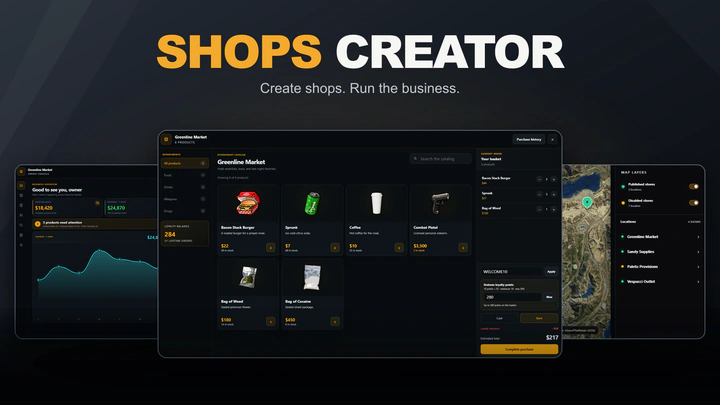
Create and manage shops owned by the server, individual players, jobs, or gangs, with stock, staff, promotions, loyalty, and sales reporting.
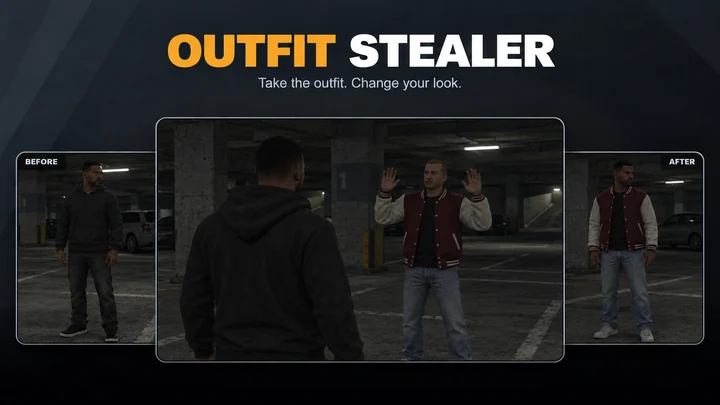
Temporarily copy clothing and props from hands-up or downed players, with configurable theft duration, victim appearance, and outfit restoration.